
GitHub Copilot has become one of the default names in AI-assisted software development. The official GitHub Copilot coding agent documentation describes a workflow where Copilot can work on GitHub issues and produce pull requests. That is valuable for teams already operating deeply inside GitHub.
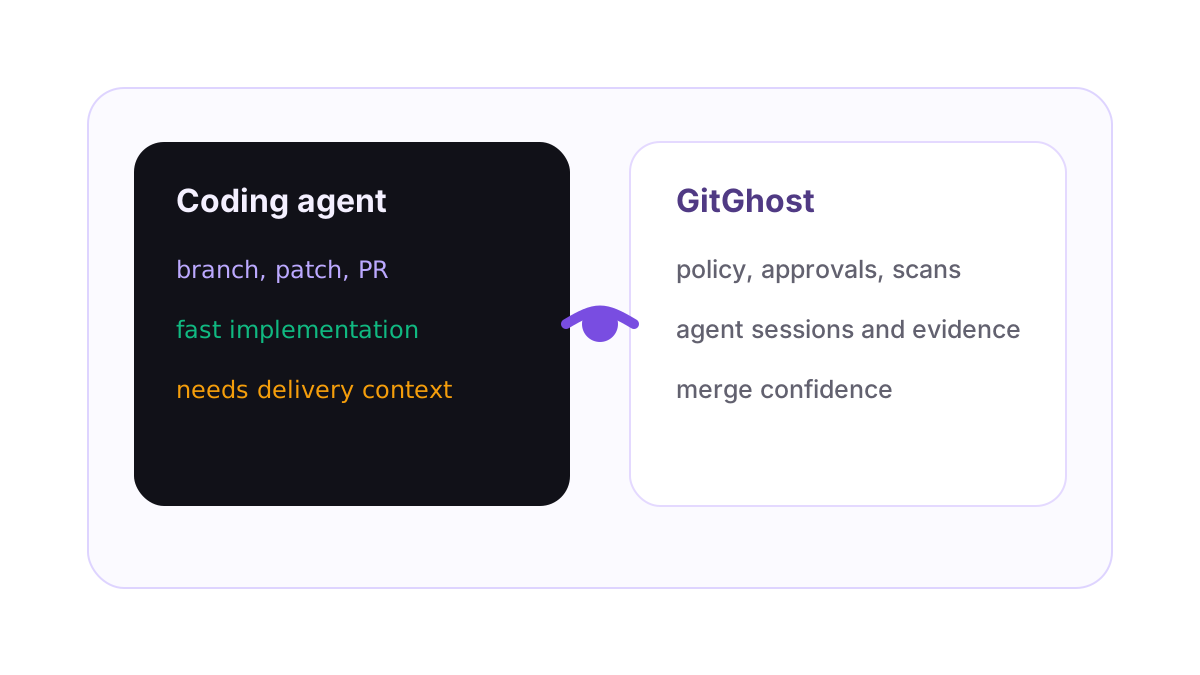
GitGhost is built for a different layer of the problem. It is not trying to be the one model, one editor, or one assistant that every developer must use. GitGhost is the delivery control plane around AI coding work: project policy, local and cloud agent connections, review context, security scans, pipeline evidence, approvals, and merge confidence.
Short answer: Copilot helps create work, GitGhost governs the delivery path
The simplest way to compare them is this: Copilot coding agent is useful when a team wants an AI agent to pick up a task in GitHub and produce implementation work. GitGhost is useful when a team wants the work from many agents to become visible, reviewable, and controlled across the delivery lifecycle.
Those jobs can be complementary. A team may use Copilot, Claude Code, Codex, Cursor, Gemini, OpenCode, or internal agents. GitGhost focuses on the question that comes next: what did the agent do, what policy allowed it, what evidence exists, and should this change be merged?
| Decision area | GitHub Copilot coding agent | GitGhost |
|---|---|---|
| Primary job | Help implement tasks and produce pull requests inside GitHub workflows. | Govern AI-assisted delivery across repositories, branches, reviews, scans, approvals, and pipelines. |
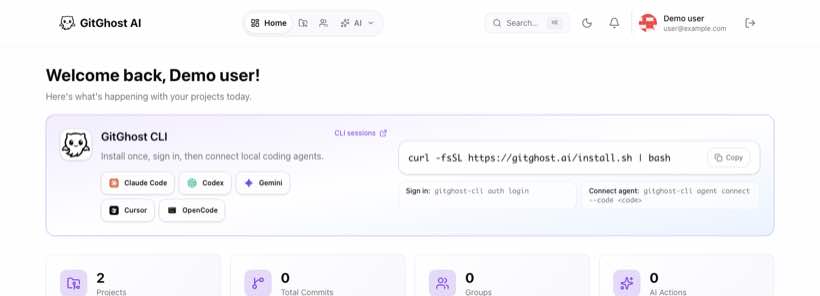
| Agent choice | Centered on the Copilot agent experience. | Designed to connect local and cloud agents, including Claude Code, Codex, Gemini, Cursor, OpenCode, and custom agents. |
| Review context | Pull request output is visible in GitHub. | Agent session, branch, scanner evidence, approvals, and pipeline signals stay attached to the project workflow. |
| Policy model | GitHub provides its own controls and documented risk mitigations. | Project-level agent policy controls local agent sync, scopes, approval paths, and delivery gates. |
| Best fit | Teams standardized on GitHub that want an AI issue-to-PR workflow. | Teams that need AI coding governance across multiple agents and delivery steps. |
Why governance becomes the hard part
GitHub's own coding agent risks and mitigations page is a useful reminder that agentic coding is not just a productivity feature. Once an agent can read a repository, run commands, create branches, and propose changes, the surrounding workflow matters.
Reviewers need more than a diff. They need to understand the task that triggered the work, the commands that ran, whether the agent touched files outside the intended scope, which security scanners passed, and whether any risky action needed approval. Without that evidence, the team has to reverse-engineer intent after the branch already exists.
Where GitGhost is strongest
GitGhost is strongest when AI coding work needs to become a team asset rather than a private local session. The platform brings together repositories, issues, merge requests, AI sessions, project policy, security scans, pipelines, and review evidence. The result is a delivery workflow built for agent output instead of a traditional Git host with AI bolted on.
This is especially important for teams that do not want to standardize on one AI tool. Developers may prefer Claude Code in the terminal, Codex for task execution, Cursor in the editor, Gemini for exploration, or OpenCode for local workflows. GitGhost gives the organization one project surface where those agent actions can be connected to branches, scans, and approvals.
How to choose
If your team wants a GitHub-native AI assistant that can work on issues and produce pull requests, Copilot coding agent is worth evaluating. If your team is asking how to control agent access, preserve session evidence, enforce security gates, connect local agents, and make AI-generated work reviewable across a whole delivery workflow, GitGhost is built for that problem.
The best AI coding setup is not just the fastest patch generator. It is the workflow that lets a team merge with confidence. GitGhost exists for that second part: the governed path from prompt to branch to scan to review to merge.